
Transferring Ownership
Generate transfer codes and move product ownership to a new owner with a traceable chain of custody.
How Ownership Transfers Work
VeriFined allows you to transfer ownership of any product you own to another person. The transfer process uses a one-time password (OTP) code, similar to the claiming flow, to ensure that only the intended recipient can accept ownership. Every transfer is recorded as an event in the product history, creating an auditable chain of custody. If the seller turned on blockchain anchoring for the product, the transfer is also anchored on the blockchain.
Your Owned Products
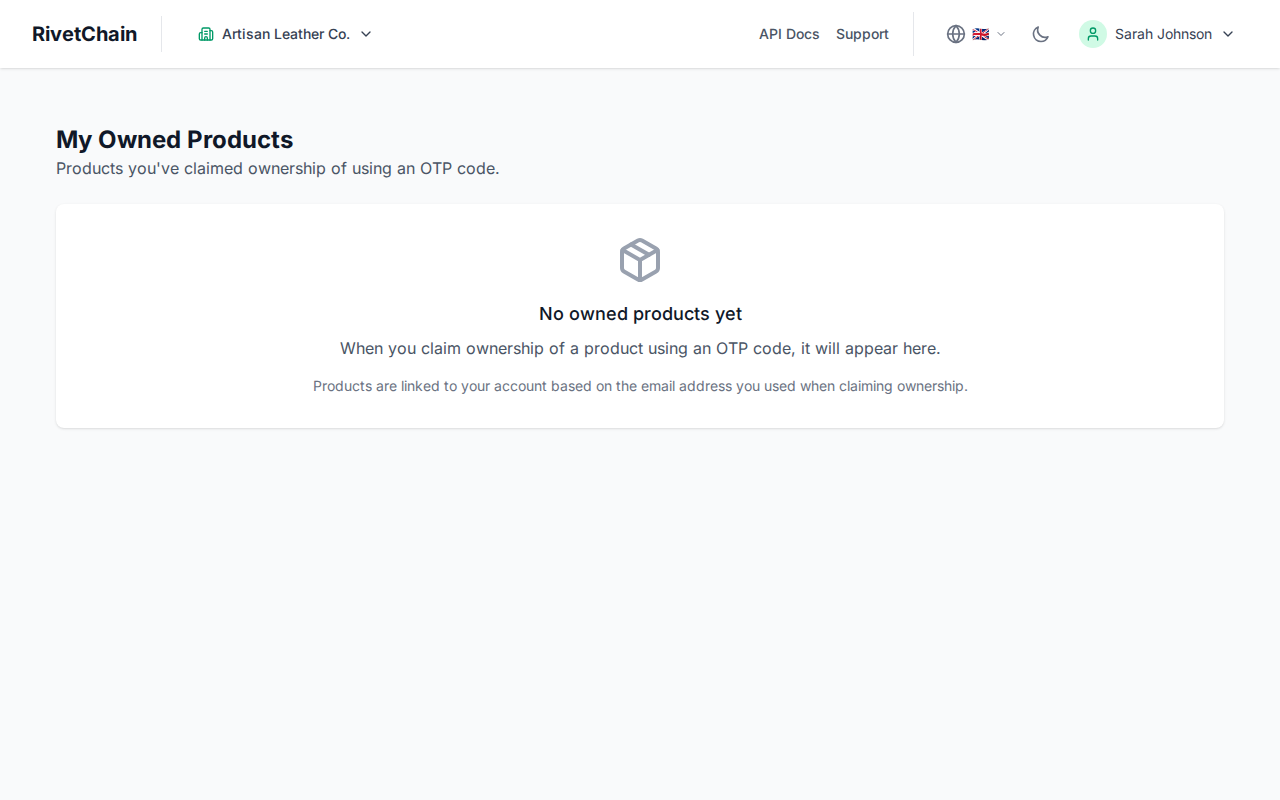
To initiate a transfer, sign in to VeriFined with the email address you used when you claimed the product (and confirm it, if you have not yet), then open "Owned Products" from your account menu. It lists all products whose current owner is that email address. From here you can open each product's verification page and start the transfer process.
Transfer Process
Transferring a product involves generating a transfer code and sharing it with the recipient. The recipient then uses the code to claim ownership, just like the initial product claiming flow.
- 1
Generate a transfer OTP code
On the Owned Products page, click "Transfer" on the product you want to transfer, then click "Generate Transfer Code". The code is displayed on screen together with a link to the product's verification page, and both can be copied to your clipboard. You can also download a transfer certificate. Each transfer code is unique to that product and can only be used once; generating a new code invalidates the previous one.
- 2
Share the code with the recipient
Send the transfer code and the verification link to the person who will receive ownership. You can share them by email, messaging app, printed document, or any other secure channel. The code is valid for one year.
- 3
Recipient claims the product
The recipient opens the product's verification page, clicks "Transfer to New Owner (with OTP)" and enters the transfer code together with their first name, last name and email address (a phone number is optional). No VeriFined account is needed. Once the code is validated, ownership transfers immediately.
- 4
Transfer recorded
After a successful transfer, the verification page shows the new owner, with an abbreviated name and masked email address. An "ownership transferred" event is recorded in the product history with the timestamp and the abbreviated name of the previous owner. If blockchain anchoring is turned on for the product, the event is included in the next anchoring batch.
Transfer History and Audit Trail
Every transfer is permanently recorded in the product's event history. The verification page for the product will show the complete chain of ownership, including the original registration, each claim, and every subsequent transfer. Anyone with access to the product's verification page or QR code can review it, and for products with blockchain anchoring turned on, it can also be checked independently against the blockchain.
This makes VeriFined particularly valuable for high-value items, collectibles, and any product where provenance matters. Buyers can confirm the full ownership history before making a purchase, and sellers can demonstrate a clean chain of custody.